Jump To:
Computer Basics
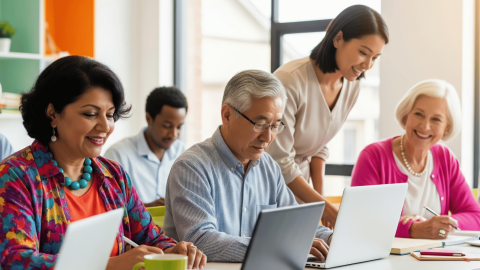
Build confidence using computers through beginner-friendly classes focused on essential digital skills. Learn how to navigate Windows 11, use a mouse and keyboard, manage apps and files, browse the internet, explore AI tools, and adjust everyday settings. Classes also cover how to choose the right computer by understanding common specifications, comparing devices, and identifying the features that best fit your needs.
Google Applications
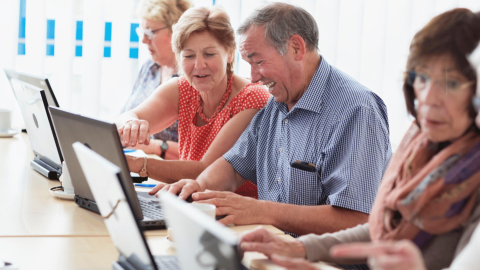
Explore Google’s tools and applications through hands-on classes designed to help you feel more confident using technology for everyday tasks. Classes cover popular Google tools such as Gmail, Chrome, Google Photos, Docs, Sheets, Slides, Drive, Meet, Calendar, Maps, YouTube and Gemini. Learn how to communicate, create and organize files, browse the web safely, manage and share photos, collaborate online, and get more from your Google account.
Microsoft Applications
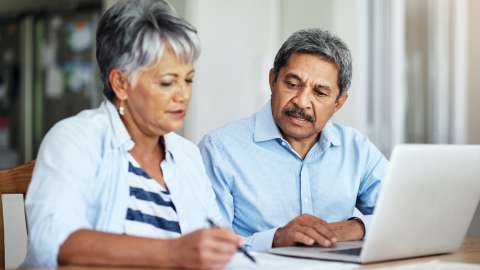
Build practical skills using popular Microsoft applications through hands-on classes for a variety of experience levels. Learn how to create and format professional documents in Microsoft Word, organize and analyze information in Excel, work with formulas and charts, and use Microsoft tools for everyday, educational and professional tasks.
Smart Devices
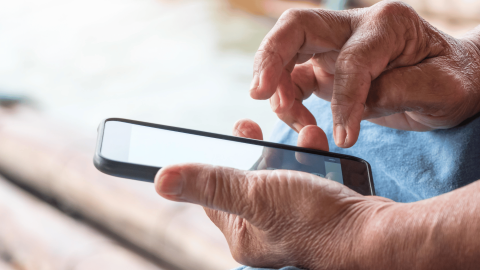
Get more from the technology you use every day with hands-on classes designed to build confidence using smartphones, tablets and smart home devices. Explore essential features of iPhone, iPad and Android devices, including navigation, settings, apps, security, accessibility, device performance and cloud storage. You can also discover how smart home technology, such as Amazon Alexa and Echo devices, can help with everyday tasks, communication, entertainment and connected devices in your home.
Photo Editing
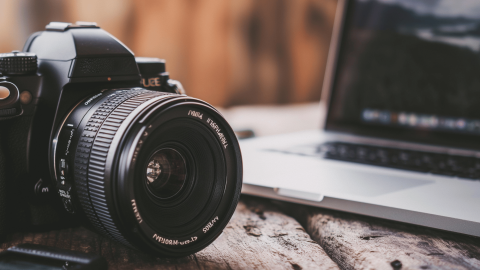
Explore your creativity and build practical photo editing skills using GIMP (GNU Image Manipulation Program), a free image editing program with many of the same capabilities as professional editing software. Through hands-on, project-based classes, learn techniques such as photo retouching, background removal, layering, color correction, creative effects and more.
Food, Travel, Television Applications

Discover how apps and online services can make everyday life more convenient. Learn about television streaming options and devices, explore rideshare services for getting around, and discover ways to have meals and groceries delivered to your door. Classes will help you compare available options, understand potential costs, and use these digital services safely and confidently.
Tech Refresh
Keep building your technology skills with TechRefresh, a free ongoing support program for participants who have completed a Digital Inclusion Adult Technology class. Meet with an instructor to revisit topics from a previous class, ask questions, get additional guidance, and troubleshoot challenges using your own device.